SPHR dashboard
Copio SPHR Dashboard was a greenfield project — designed to give system administrators a unified view of backup performance, machine health, and alert management across multiple clients. I led the product design process end-to-end: from user research and IA to dashboard interaction models and visual systems.
00
problem
The core problem was that administrators had no unified way to monitor backup activity across machines, making it difficult to detect issues, understand job performance, or manage alerts in time. Information lived in separate logs and tools, causing delays, manual checking, and frequent oversight. Stakeholders needed a single, reliable dashboard that could surface real-time system health, highlight failures clearly, and support fast investigation without overwhelming users with technical complexity.
solution
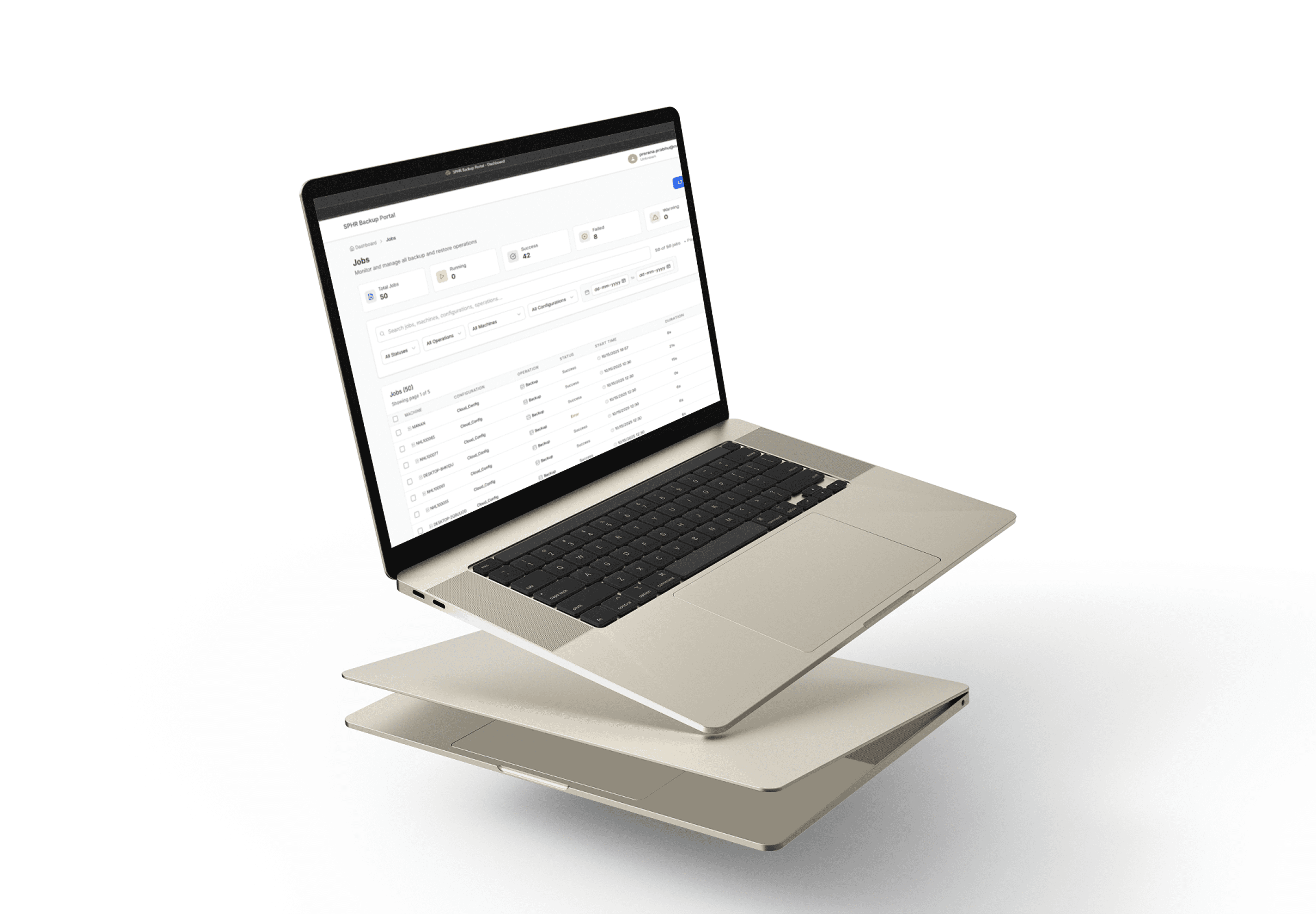
The solution was to create a clear, role-based monitoring dashboard that brings machine health, job status, alerts, and reports into one organized system. The information architecture supports the three core user needs: tracking live activity, reviewing detailed job data, and managing alerts. A simple component library, clear visual hierarchy, and consistent status indicators help users quickly understand system performance and act faster, improving efficiency and making the platform scalable for future features.
Research & Insights
Stakeholder Interviews
Admins: Wanted faster access to “what failed” and “where”.
Support engineers: Needed contextual logs for troubleshooting.
Managers: Focused on trends, not granular data.

Interaction and Visual Design
Layout: 3-tier structure — global nav (modules) → list view → detail panel.
Typography: Hierarchical sizing for machine names, status badges, and timestamps.
Color System: Semantic, not decorative — green/yellow/red tied to machine health states.
Components: Built a scalable card system for metrics, job summaries, and alerts.
Charts: Focused on interpretability (sparklines for trends, stacked bars for statuses).
01
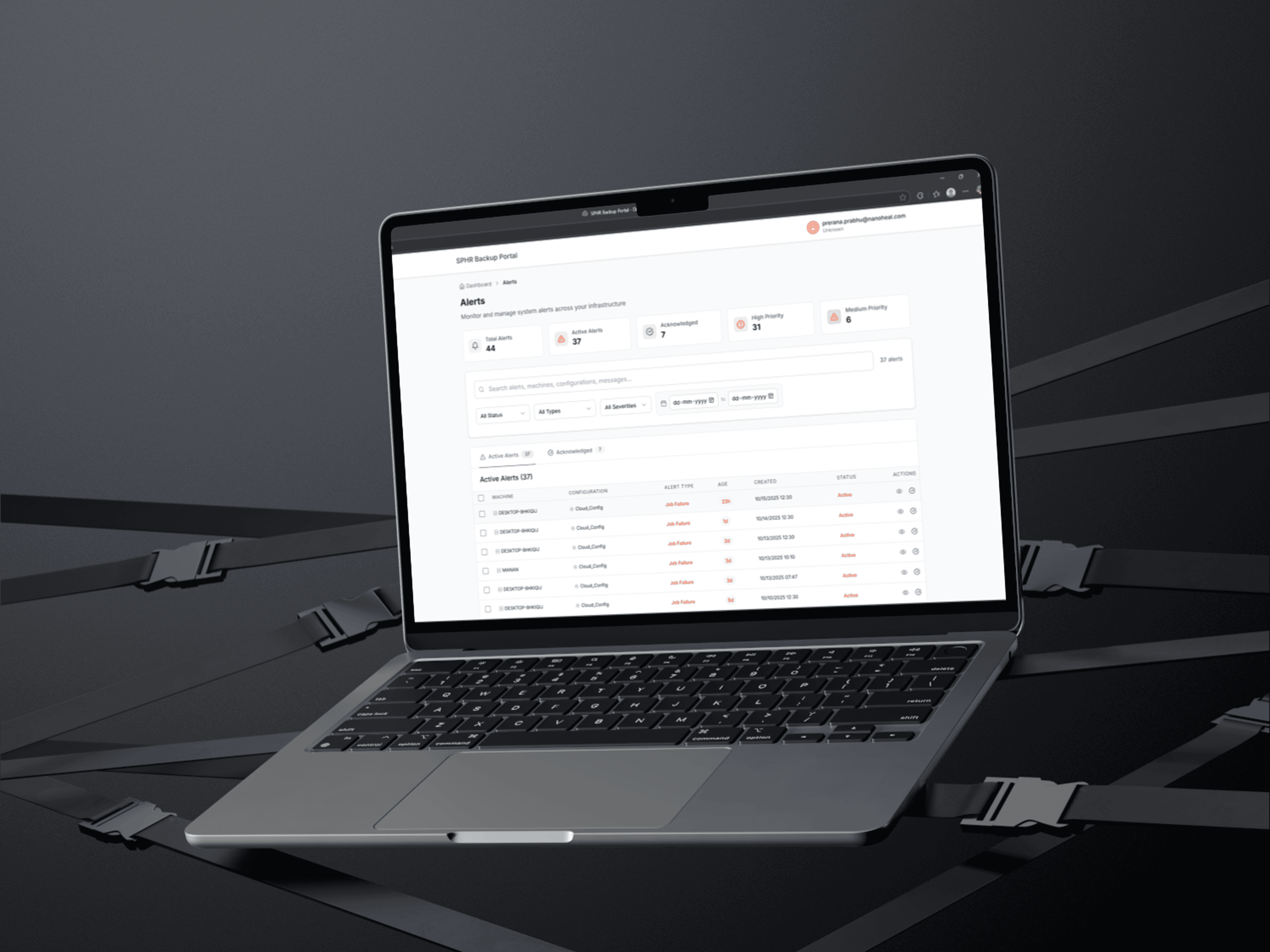
Features : Alert statistics: total, active, acknowledged. Types: backup failures, system, performance, storage alerts. Details: type, severity, source, timestamp, status, messages. Tabbed interface (Active/Acknowledged), filtering, search, and bulk acknowledge.
02
includes a relative dashboard screen and dummy data
Since NDA restricts product metrics, impact is framed by user testing outcomes:
Average alert resolution time dropped by ~40% (based on simulated user scenarios).
Admins reported higher confidence in system visibility.
Established a design component system reused for future modules.
Enabled non-technical users (managers, analysts) to understand data at a glance.
summary
This project involved designing a complete monitoring dashboard from scratch to help IT teams track machine health, backup jobs, and alerts in one place. I defined the information architecture, user flows, and visual system based on the needs of admins, analysts, and managers, focusing on clarity, speed, and scalability. The final solution organizes complex data into an intuitive interface that improves visibility, reduces manual effort, and supports quicker issue resolution while staying flexible for future product growth.
see also